- First step connect corrupt pendrive in your pc
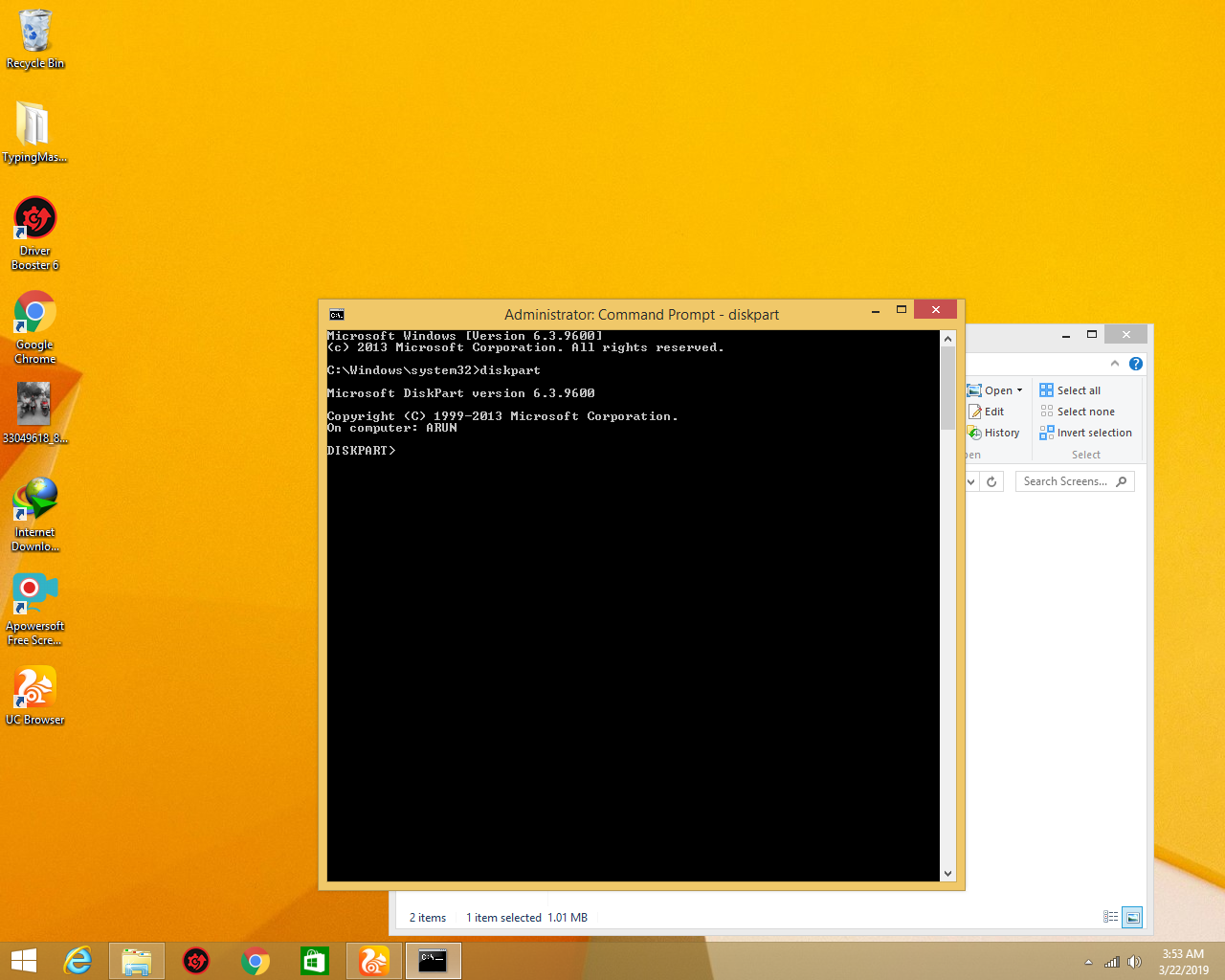
- open cmd with Run administration and type diskpart
- after type you see like this
after you type list disk you will see this
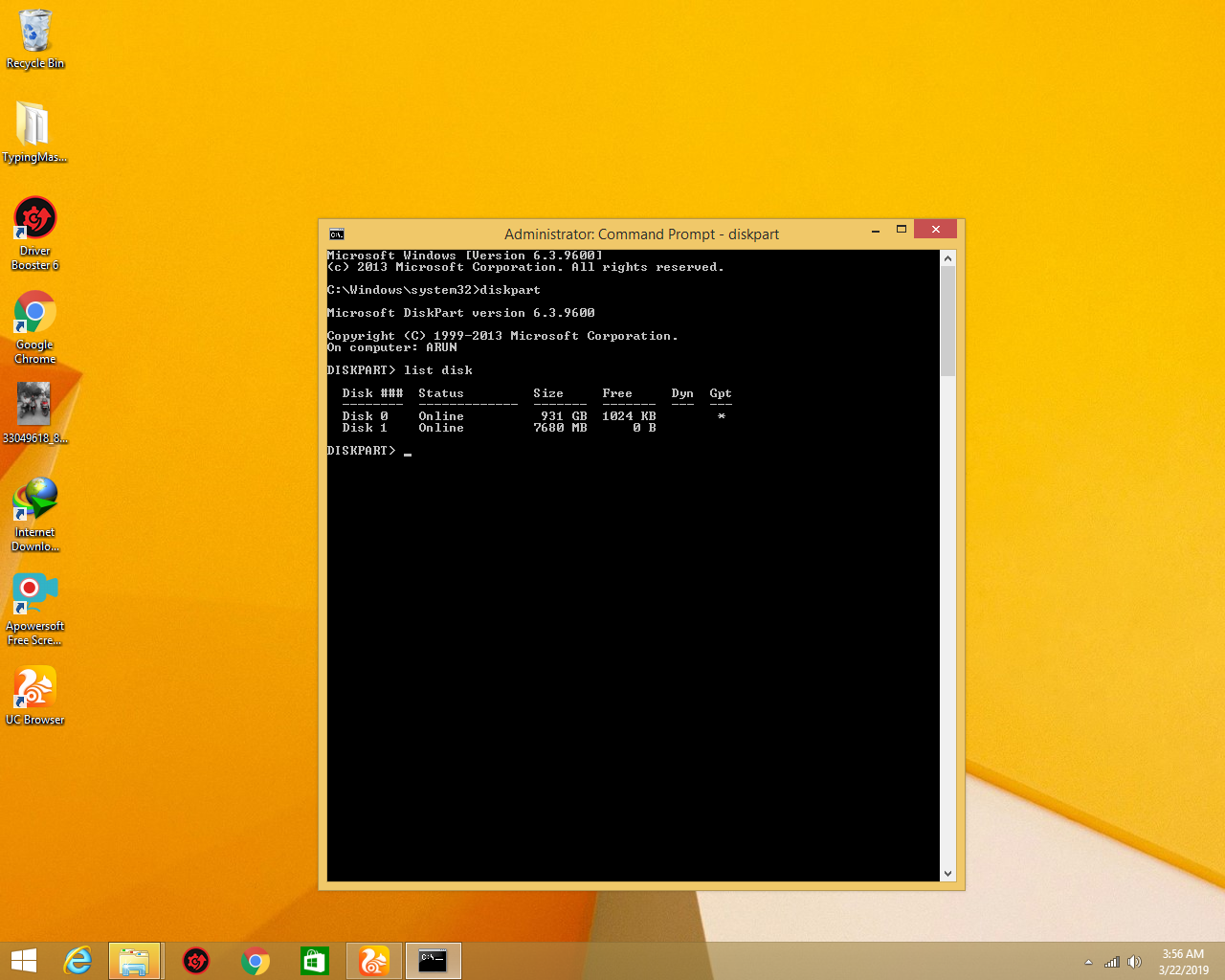
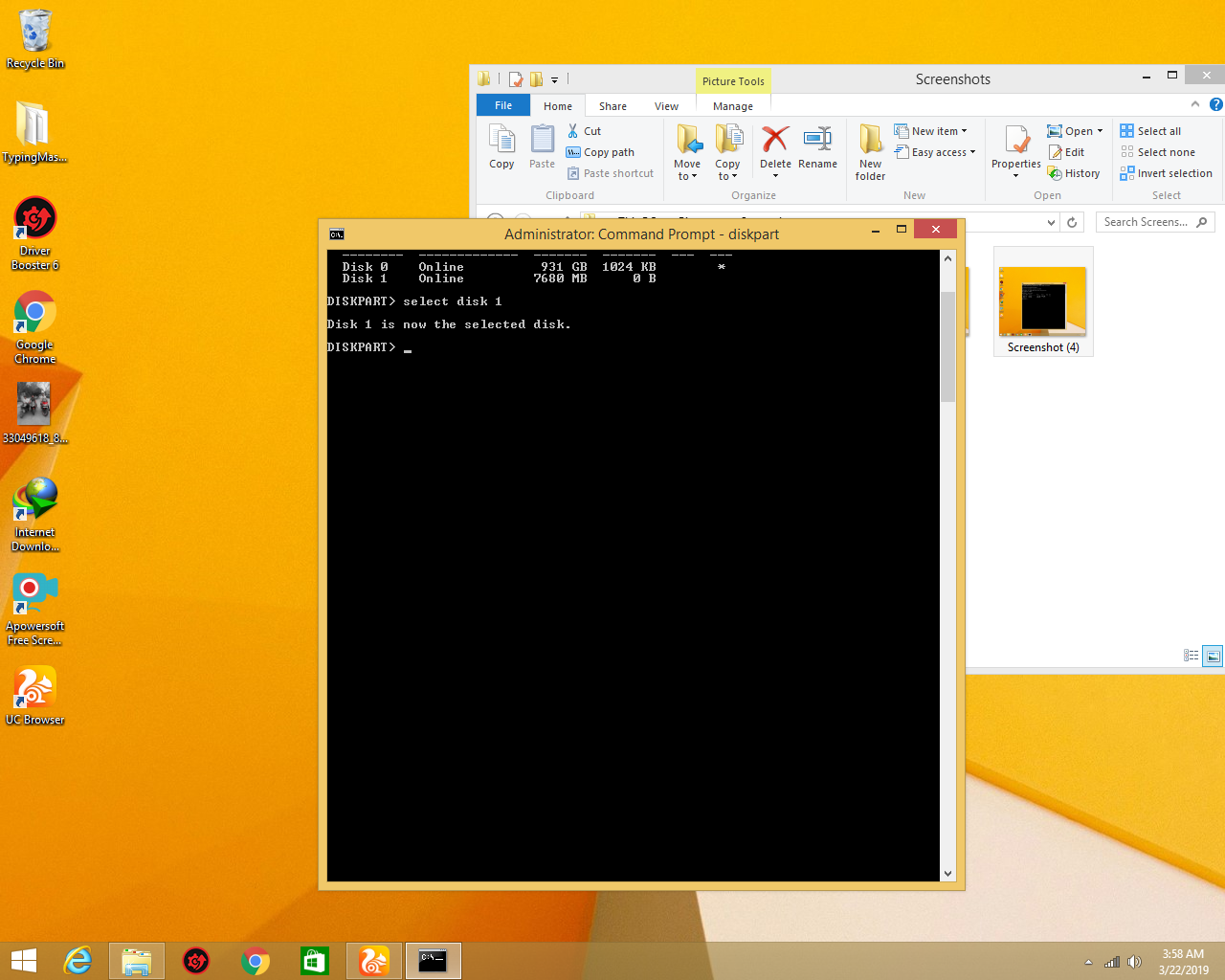
you select your disk my disk is 1 so I select disk 1
you type select disk 1 and you will see this
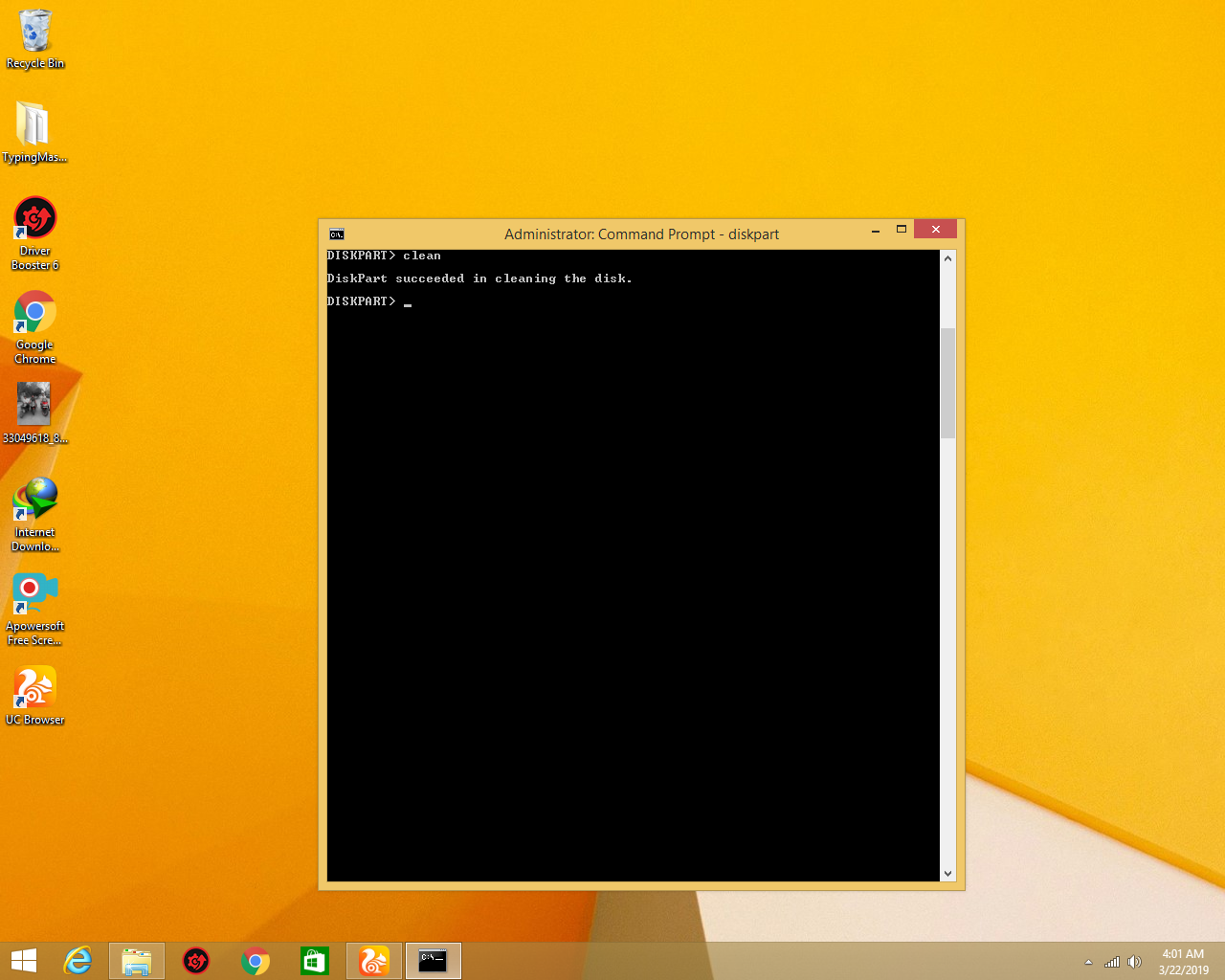
after select disk you type clean and you will see like this
type create partition primary and you will see this
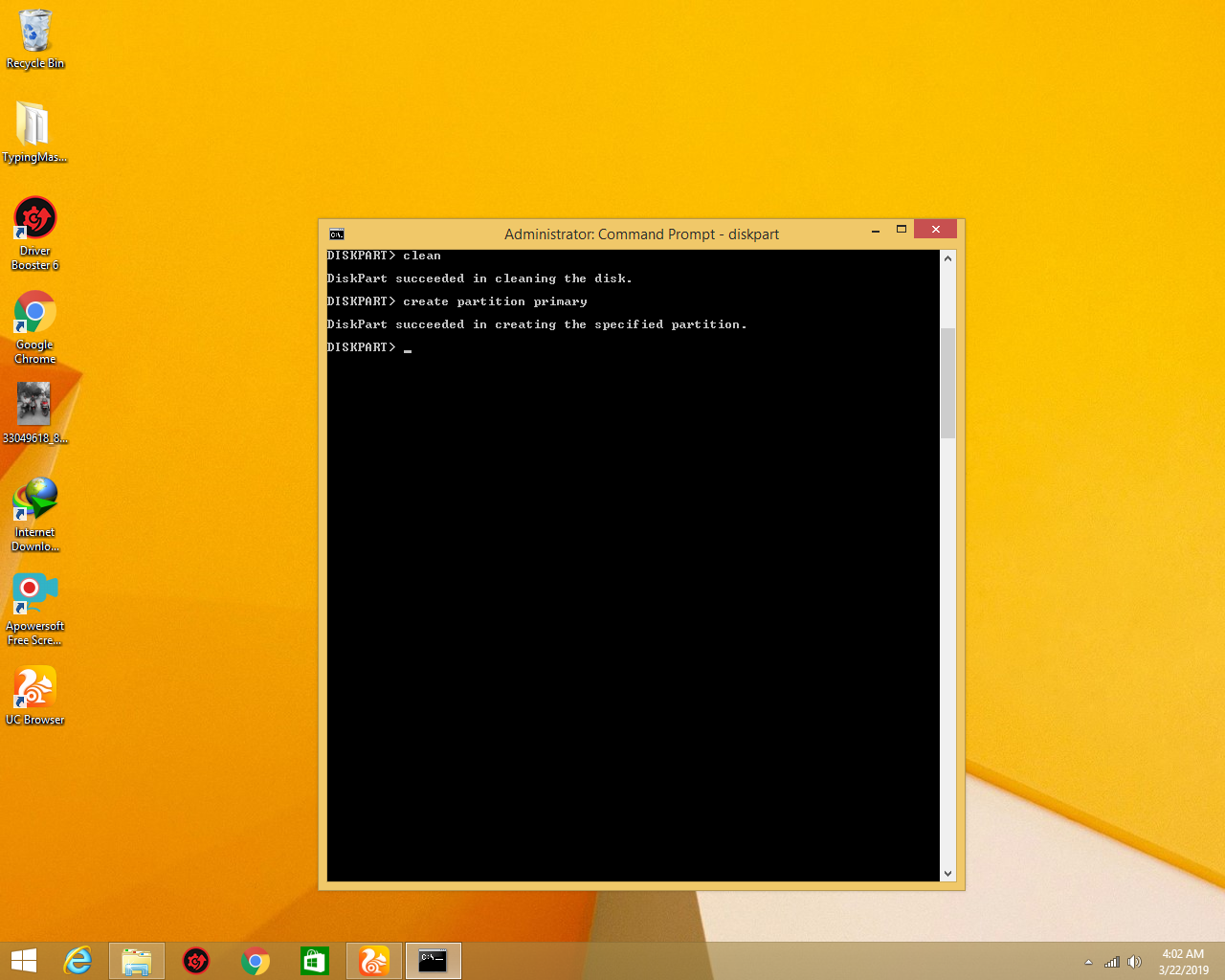
and type active and you will see this
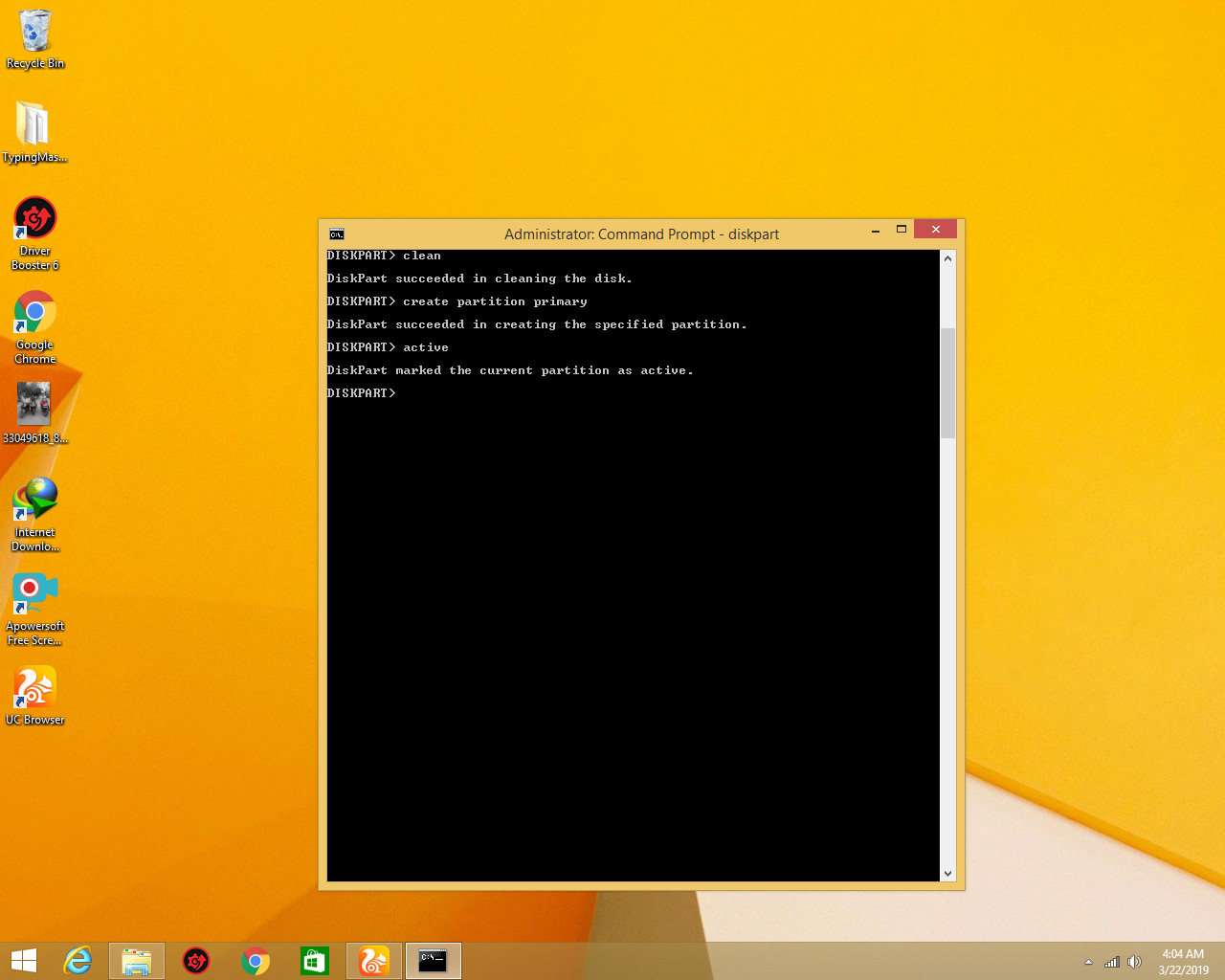
now you type select partition 1 and you will see this
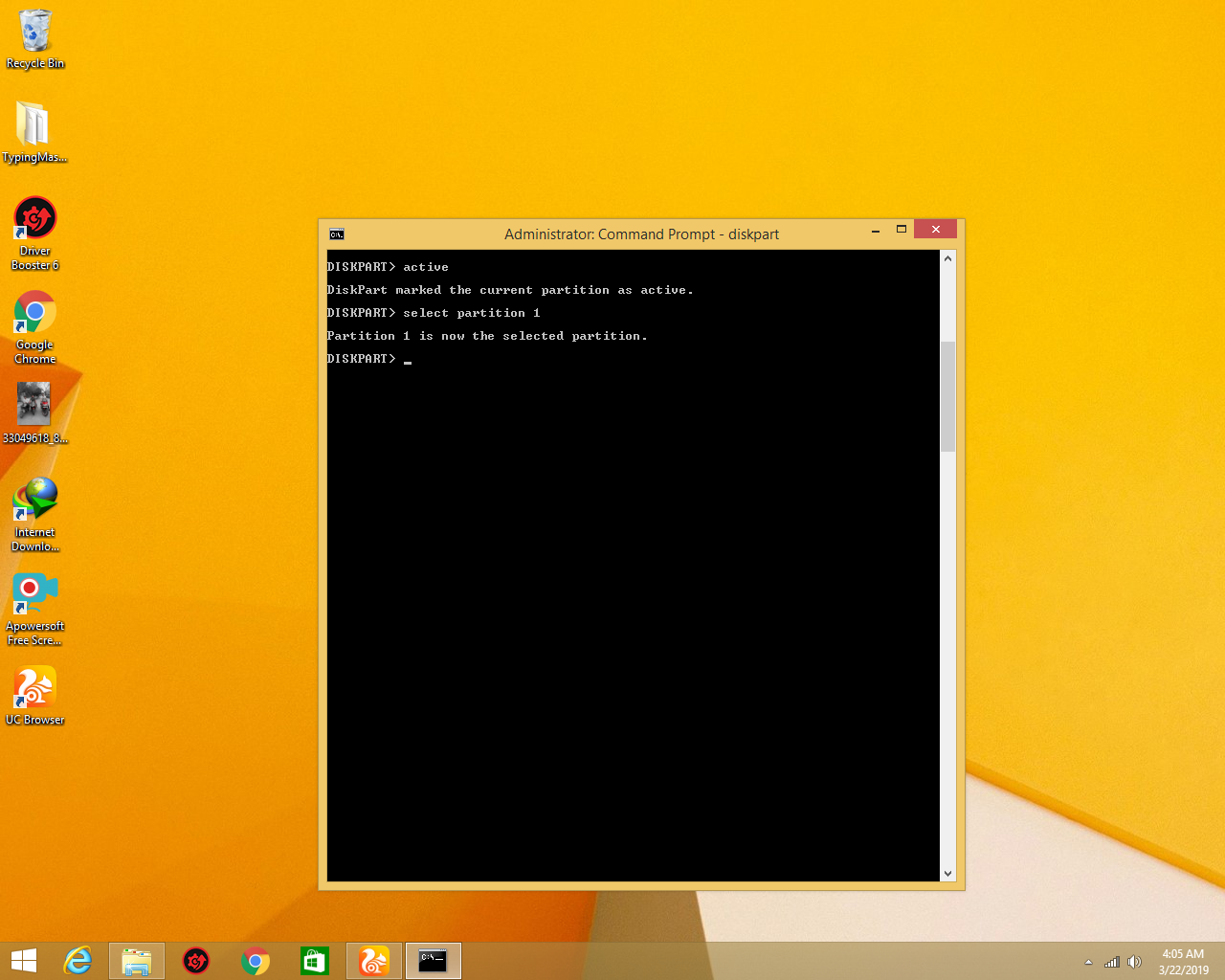
now type format fs=fat32 and you will see this
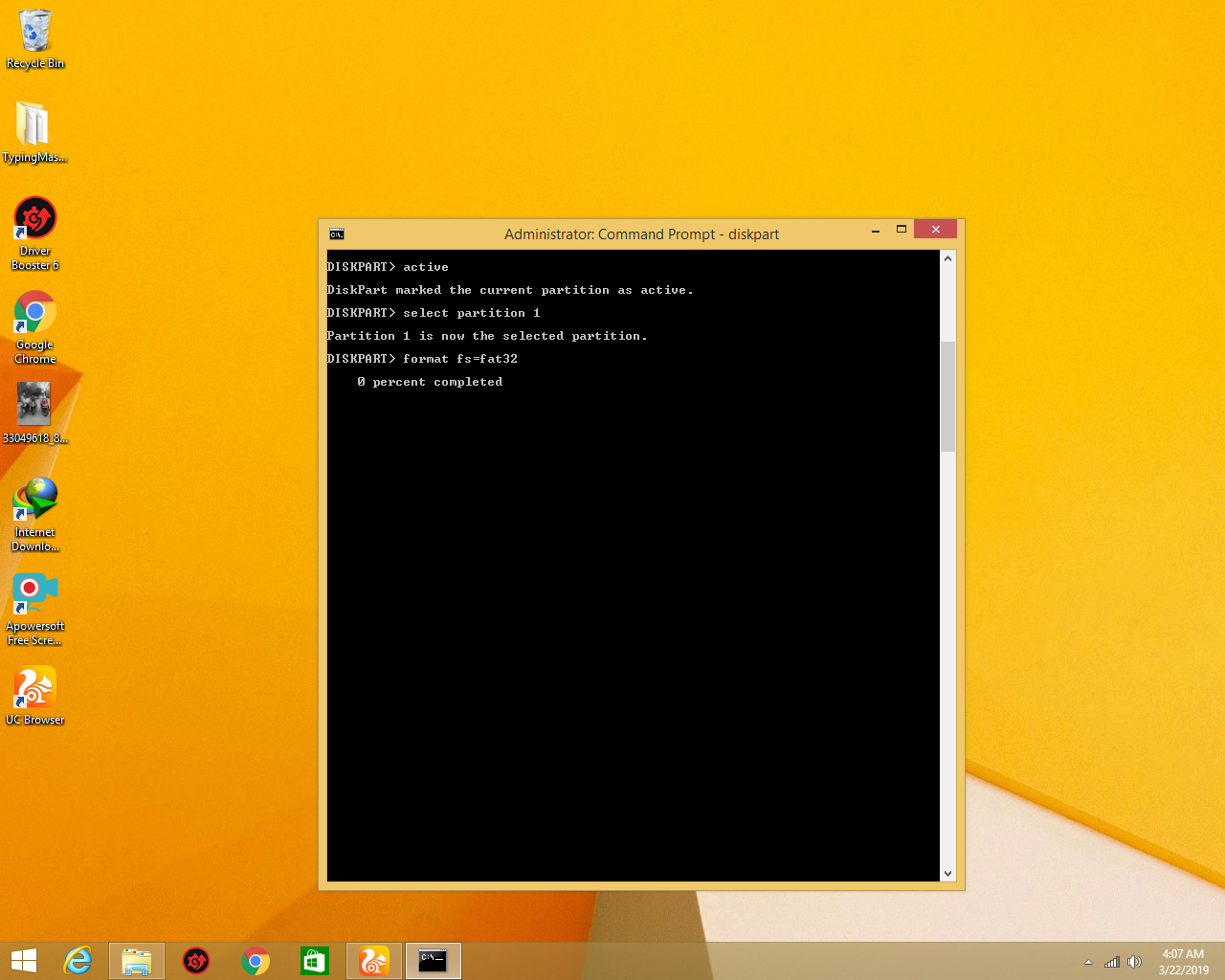
wait for 100% complete
after 100% complete
close cmd
reatached pendirve in your pc
you will see pendrive is repair
 Arun Tech